
How To Fund Payoneer Account
Payoneer is an online payment platform that allows individuals and businesses to send and receive payments in various currencies. It is a popular choice for freelancers, affiliate marketers, and small businesses that need to receive payments from international clients or companies.
With Payoneer, you can receive payments from a wide range of companies, such as Amazon, Fiverr, Ebay, Upwork, Taboola, Crossover, Google, and Airbnb, directly to your Payoneer account. You can also use the platform to make payments to other Payoneer users, as well as withdraw funds to your bank account or make online purchases.
Payoneer also offers a Mastercard debit card that can be used to withdraw cash from ATMs or make purchases online or in-store, anywhere Mastercard is accepted.
Payoneer is available in more than 200 countries and supports multiple currencies, including USD, EUR, GBP, JPY, and more. However, some features such as funding options and fees may vary depending on the country of residence and the currency of the account. It’s important to review the terms and conditions and fees before signing up for an account.
How to Receive Payments with Payoneer
To receive payments with Payoneer, you will need to sign up for a Payoneer account and link it to the platforms or businesses that you want to receive payments from. Here are the steps to do so:
- Sign up for a Payoneer account: Go to the Payoneer website and sign up for an account. You will need to provide some basic information, such as your name, address, and contact information.
- Link your Payoneer account to the platform or business: Once you have a Payoneer account, you can link it to the platforms or businesses that you want to receive payments from. This can typically be done by going to the settings or payment options on the platform or business and providing your Payoneer account information.
- Provide your Payoneer account information to the sender: If you are receiving payments from someone directly, you will need to provide them with your Payoneer account information, such as your email address and account number.
- Wait for the payment to be credited to your account: Once the sender initiates the payment, it will be credited to your Payoneer account within 2-5 business days.
It’s important to note that the availability of receiving payments options may vary depending on the platform or business, also, fees may apply depending on the payment method, currency, and location.
Funding Your Payoneer Account
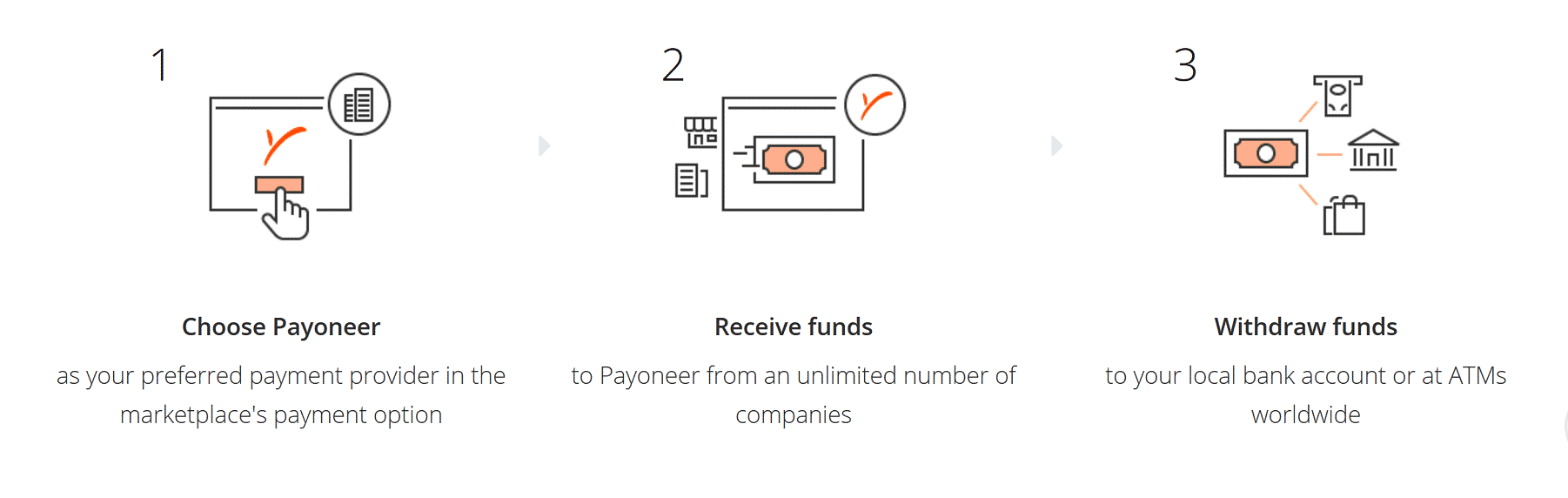
There are several ways to fund your Payoneer account:
- Bank transfer: You can link your Payoneer account to your bank account and make a direct deposit to your Payoneer account.
- Credit or debit card: You can use a credit or debit card to make a deposit to your Payoneer account.
- PayPal: You are unable to fund your Payoneer account from Paypal and other e-wallets.
- Local Payment providers: You can use local payment providers such as cash deposits, mobile money, and online bank transfers to fund your Payoneer account.
- Transfer from other Payoneer account: You can receive money from other Payoneer account holders.
It’s important to note that the availability of these funding options may vary depending on your location and the currency of your Payoneer account. And also, the fees for funding your Payoneer account may vary depending on the funding method you choose and the currency of your account.
How to fund Payoneer account with Bank transfer
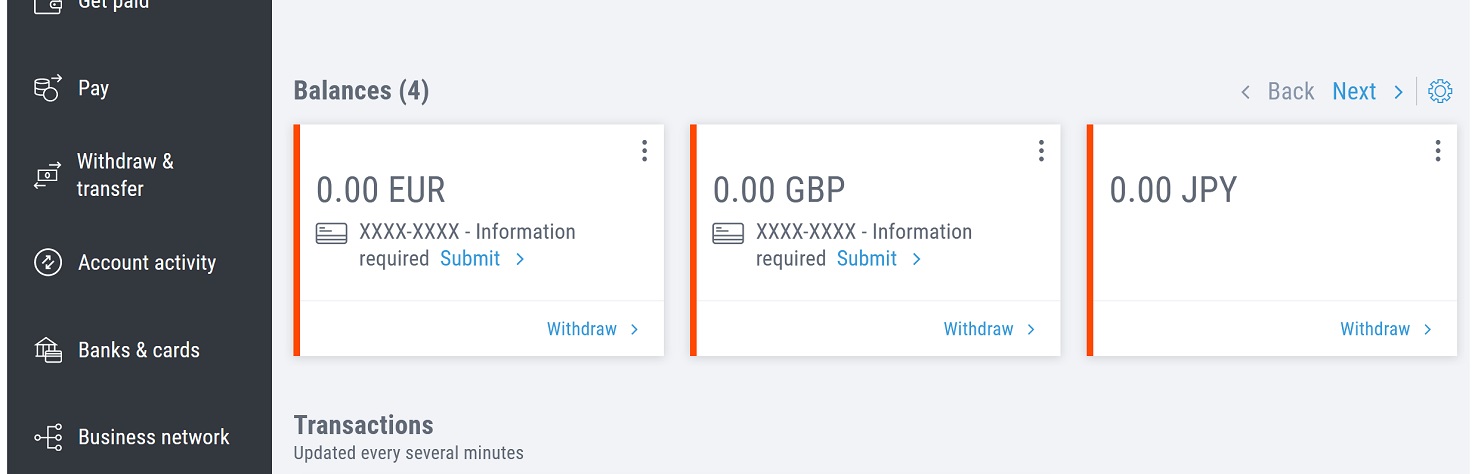
To fund your Payoneer account using a bank transfer, you will need to link your Payoneer account to your bank account. Here are the steps to do so:
- Log in to your Payoneer account.
- Go to the “Add Funds” tab.
- Select “Bank Transfer” as the funding method.
- Enter the amount you wish to transfer and select the currency of your account.
- Review the details and confirm the transaction.
- Payoneer will provide you with the necessary bank account details to make the transfer. You will need to use these details to make the transfer from your bank account to your Payoneer account.
- Once the transfer is complete, the funds will be credited to your Payoneer account within 2-5 business days.
It’s important to note that bank transfer funding options may vary depending on your location and the currency of your Payoneer account. Also, bank transfers may incur additional fees, it’s important to check with your bank for any additional fees and to confirm that the transaction is completed successfully.
UK Receiving Account Funding Guidlines
- Use for local bank transfers within the UK in GBP via the BACS or Faster Payments Service network
- Only payments for business transactions from business accounts are supported
- Payments from personal bank accounts will be declined
- Payments made from a bank account in your name will be declined
- Wire transfers are not supported
Read also: How to Create a Payoneer Account in Ghana and Nigeria
US Receiving Account Funding Guidelines
- Use for local bank transfers within the US in USD via the ACH network
- Only payments for business transactions from business accounts are supported
- Payments from personal bank accounts will be declined
- Payments made from a bank account in your name will be declined
- Wire transfers are not supported